Documentation
A signature works in email; a card works everywhere else. Every person gets a branded page with save-to-contacts and their own QR code, rendered from the same details as their signature — so it is never out of date.
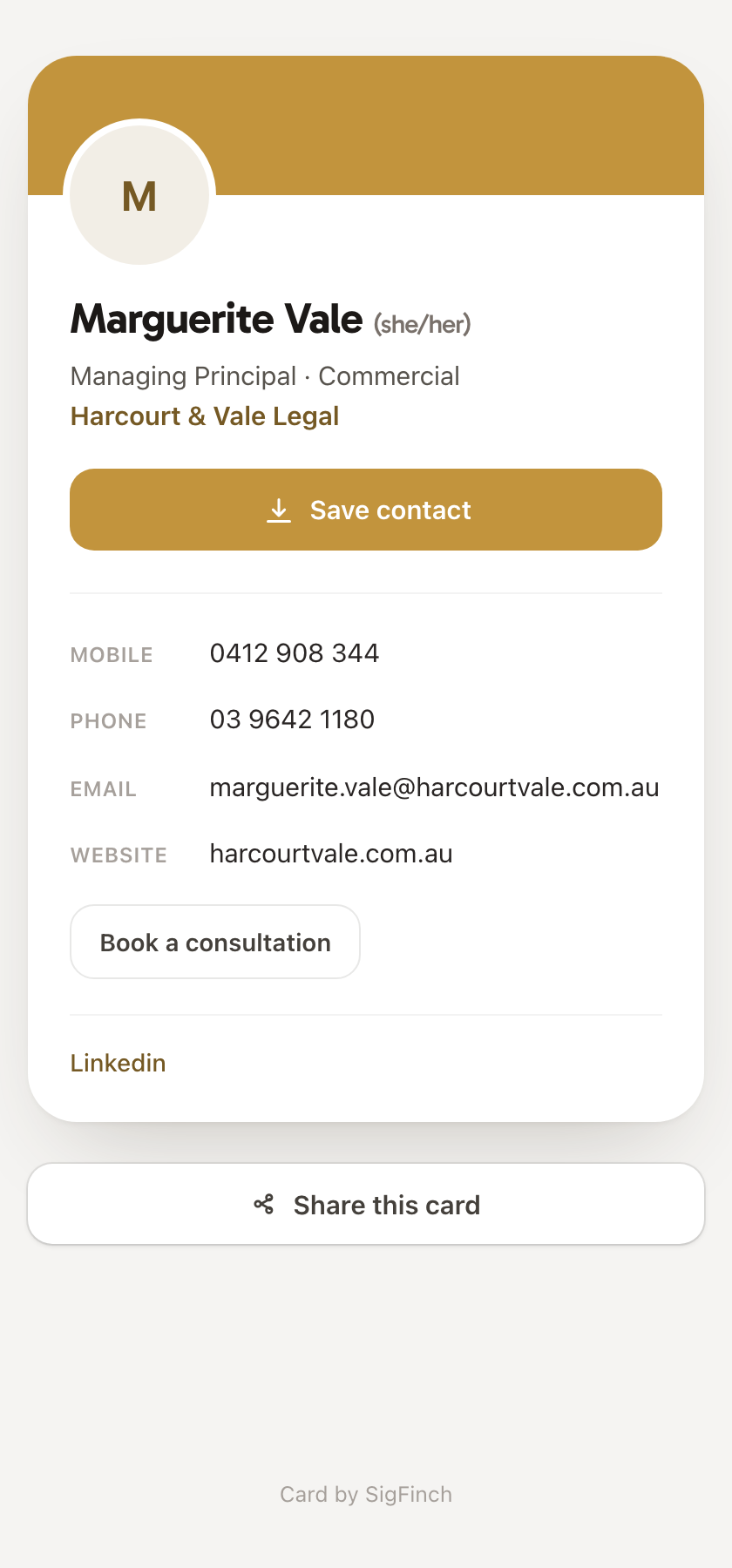
A public page for one person: name, title, phone, email, socials, and a Save contact button that downloads a vCard straight into the phone's contacts. It wears the workspace brand — accent colour, logo or colour band — and it reads from the same record as the signature, so a promotion or a new number updates both at once.
On the Design page, the Digital business cards section has one switch. On, every member's signature page offers their card; off takes every card offline, and switching back on restores the same addresses. The card header — colour band or logo — is chosen there too.
Each person finds their card on their signature page: a link, a QR code to save or print, and a share button. The QR code is the card's whole trick at a conference — someone points a phone camera at it and has the contact saved before the handshake ends.
A card link keeps working as long as cards are on and the person is active — printed on the back of a physical card or in a conference bio, it will not rot. Cards are read-only: sharing one never shares the right to edit the signature behind it.